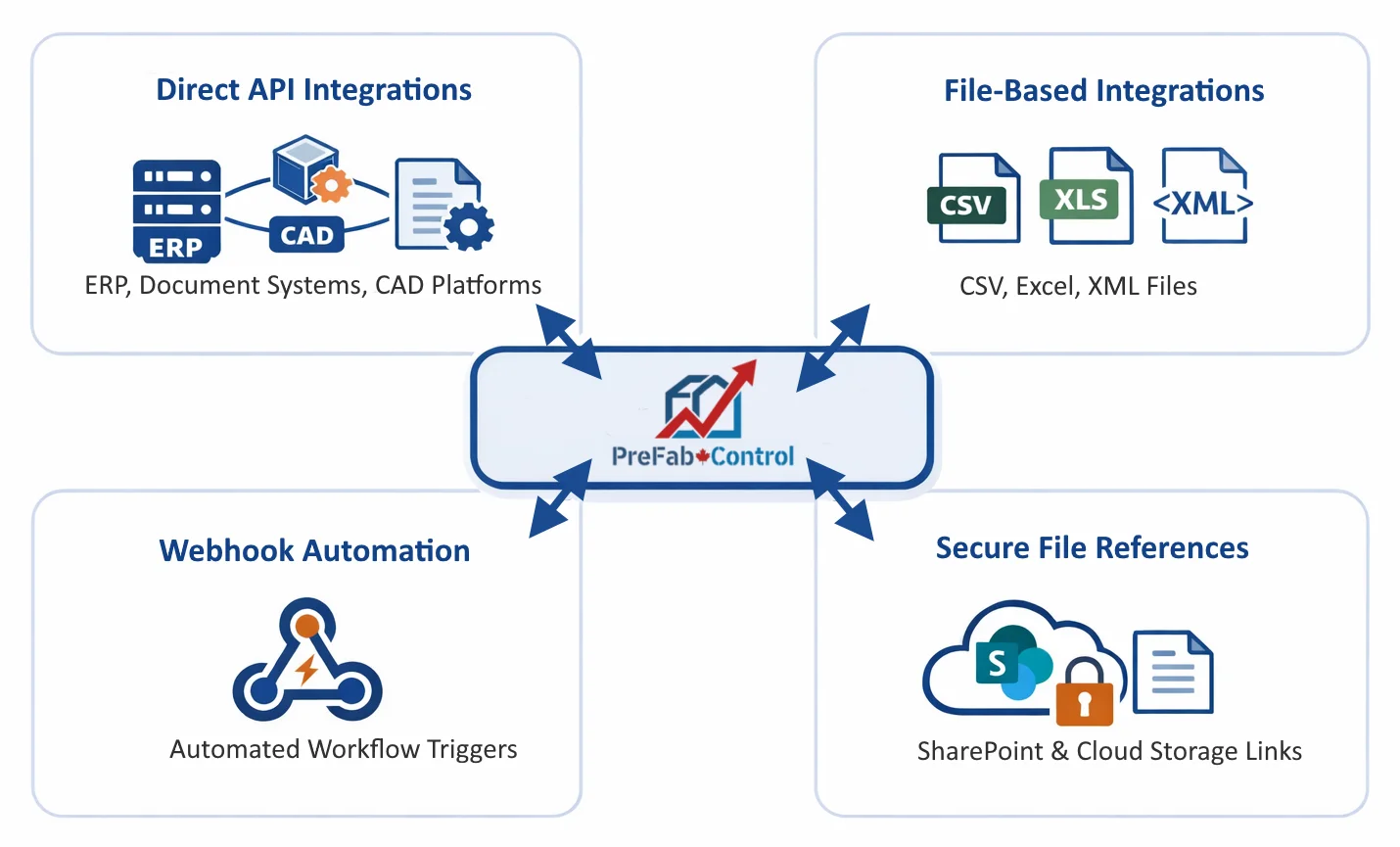
Most prefab manufacturers already have established workflows for engineering drawings, document control, ERP, and file storage. PreFabControl is designed to sit above those systems as an operational layer, connecting engineering, planning, materials, and factory execution without forcing a disruptive overhaul.
Rather than requiring a "rip-and-replace" approach, PreFabControl can be configured to read, link to, synchronize with, or automate workflows around your existing tools.
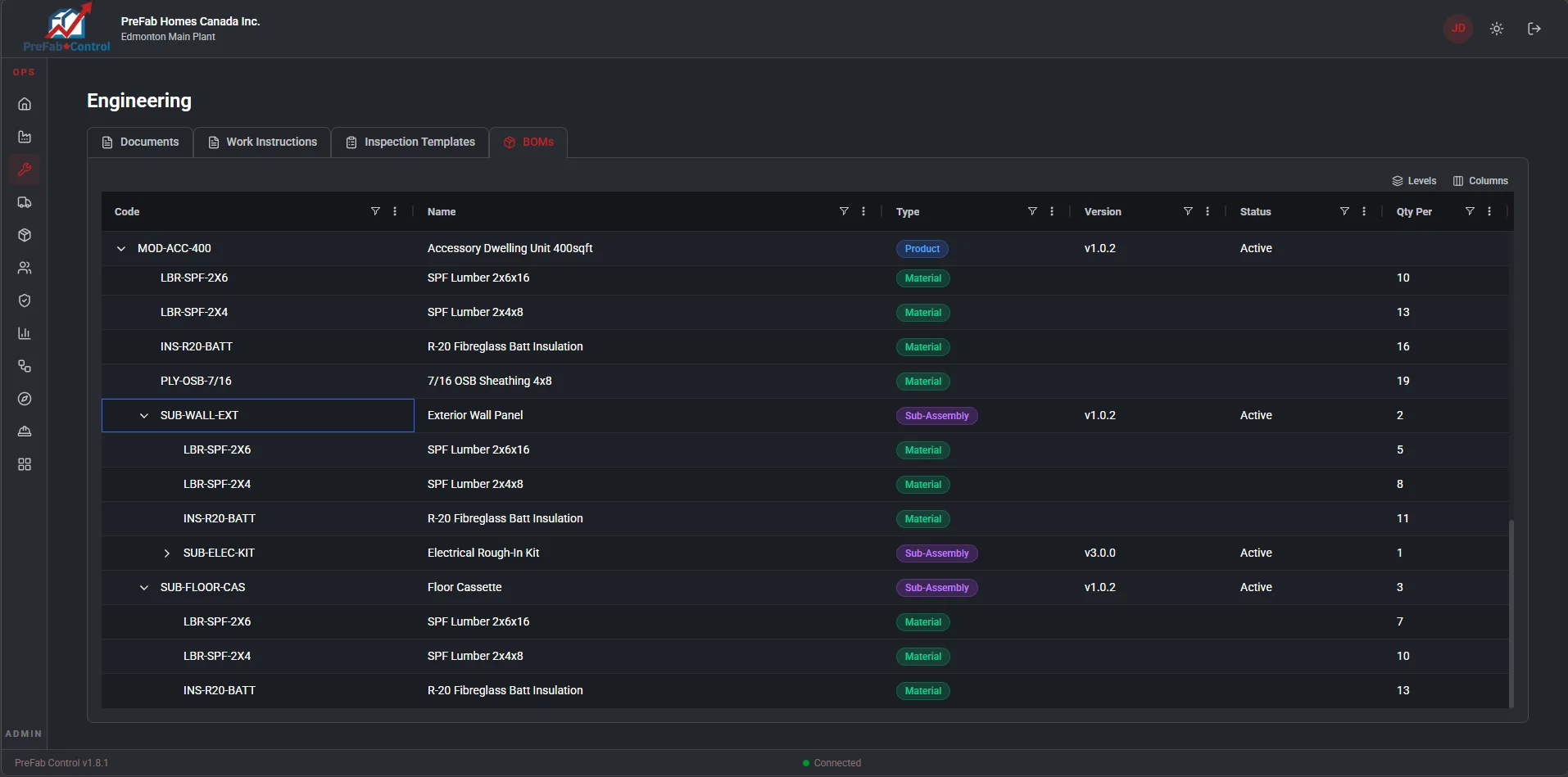
Prefab manufacturers typically rely on CAD tools to design modules, panels, structural systems, and assemblies. These tools already contain years of engineering work and should remain the system of record for design.
PreFabControl connects to these systems by referencing drawing files, revisions, and metadata so they can be used directly in production planning and factory operations.
Common tools used by prefab manufacturers in Canada:
How PreFabControl integrates:
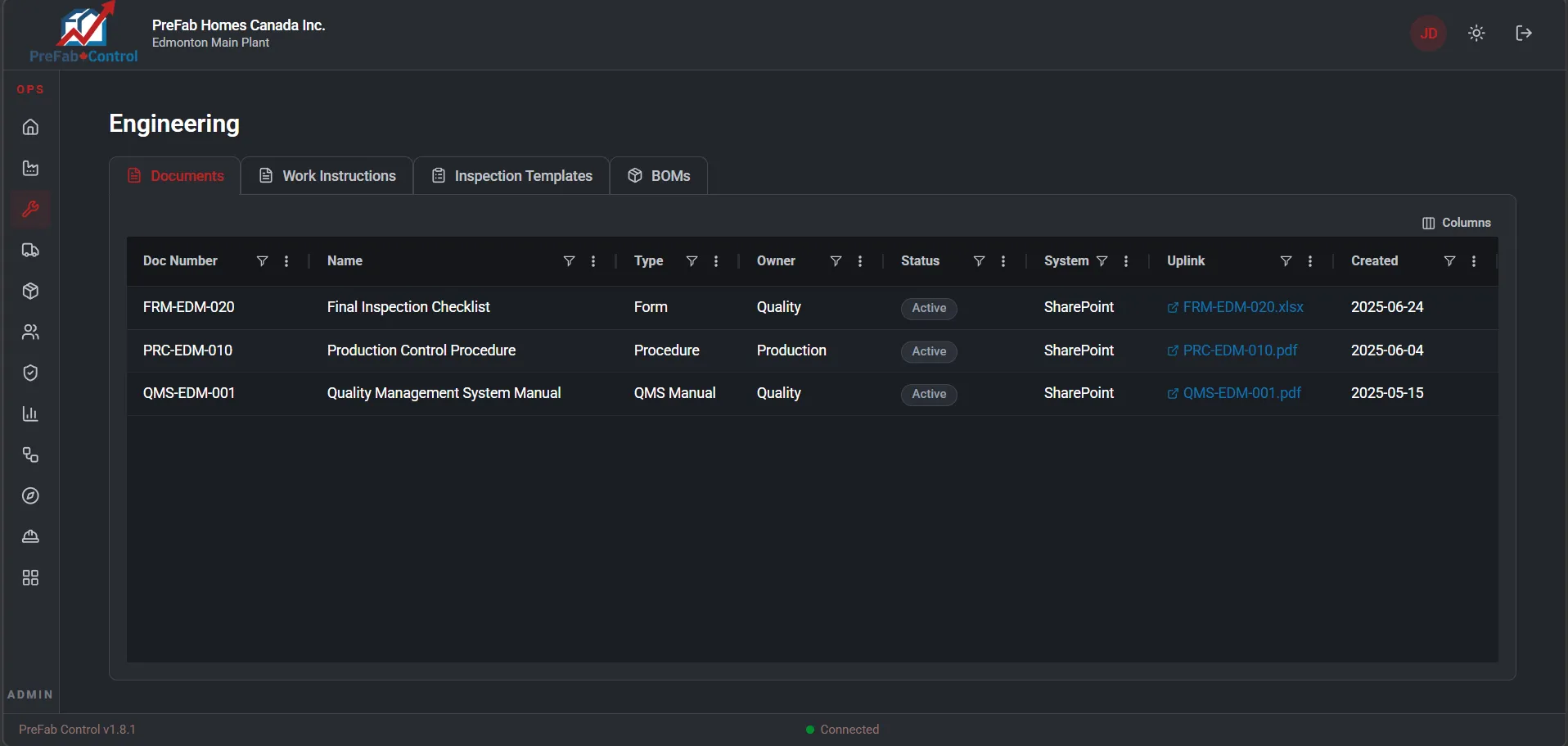
Many prefab manufacturers already store drawings and engineering documentation in document management platforms or shared drives. PreFabControl can integrate with these systems instead of replacing them.
Typical platforms:
Integration capabilities:
Engineering teams often manage revision approvals using a mix of email, spreadsheets, or document approval systems. PreFabControl can coordinate these processes while still referencing your existing files.
This ensures that engineering changes flow smoothly into manufacturing without disrupting existing design tools.
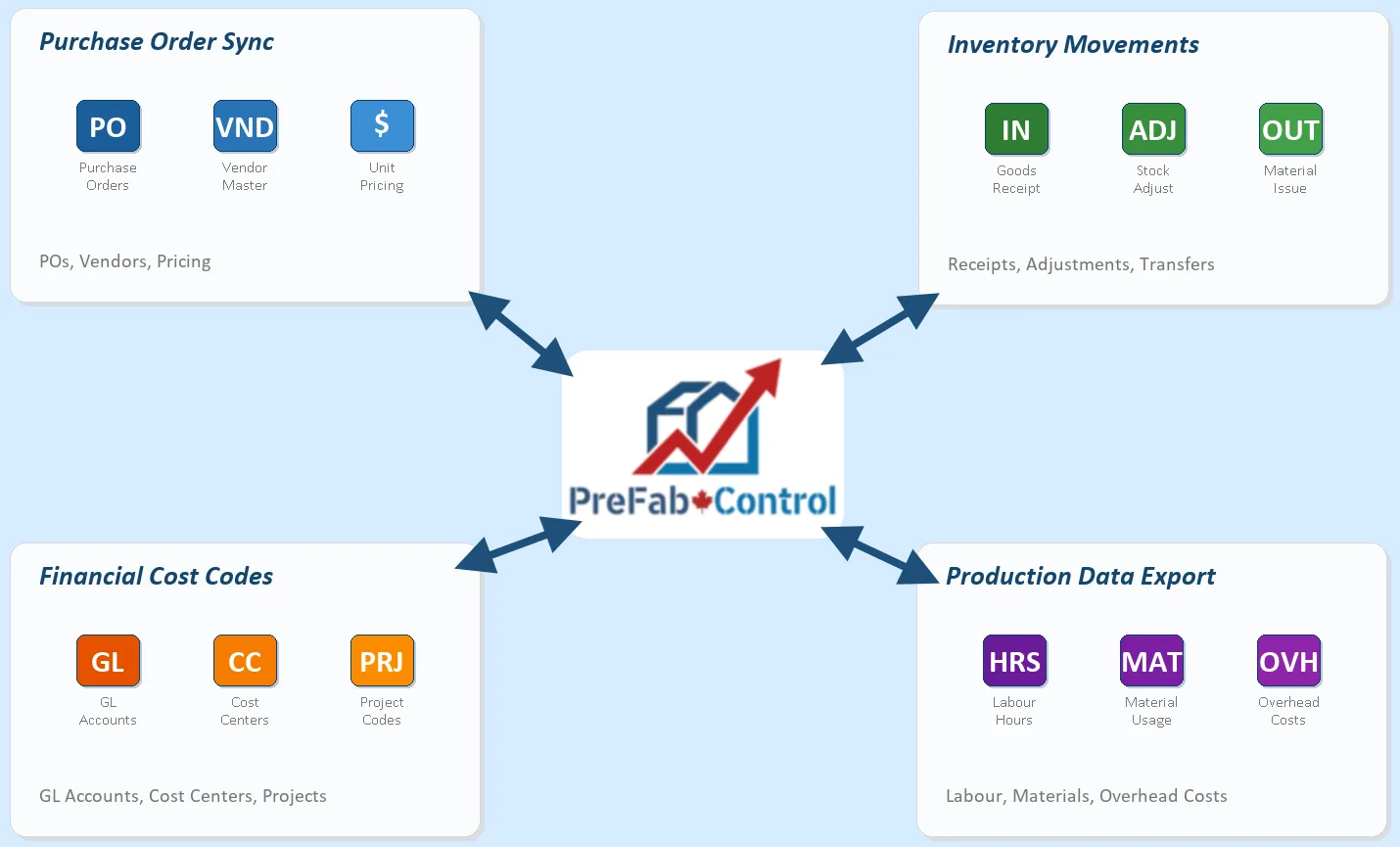
Many prefab manufacturers already use ERP or accounting software for financial management, purchasing, and inventory valuation. PreFabControl can integrate with these systems so that operational data flows seamlessly.
Common systems:
Typical integration scenarios:
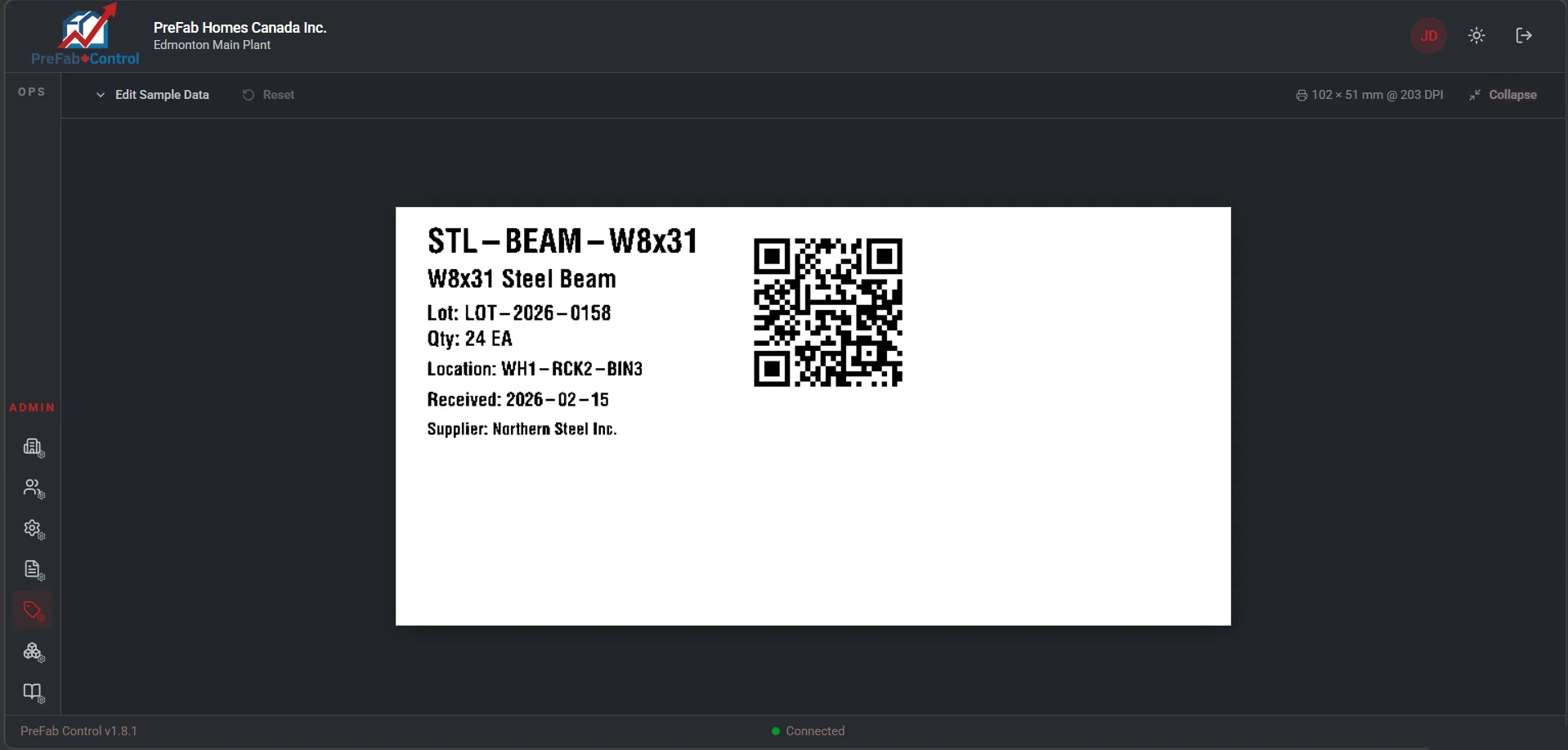
Manufacturers frequently already own industrial label printers and scanning devices used for material tracking. PreFabControl supports integration with common equipment used in Canadian factories.
Examples include:
Capabilities:
PreFabControl supports multiple integration approaches depending on the sophistication of the manufacturer's systems. This flexible architecture allows companies to adopt PreFabControl gradually, integrating systems over time as needed.
The goal of PreFabControl is not to replace every tool in the organization, but to connect them into a single operational workflow.
Engineering teams can continue using the CAD tools they know. Finance can continue using their existing ERP. Documents can remain in the company's established repository.
PreFabControl becomes the digital thread connecting engineering, materials, and manufacturing execution, enabling the factory to operate as a coordinated system without forcing a costly and risky technology overhaul.